How Payments Work on GoatRent: Card, Stripe, Fees and Payouts
How renters pay and owners get paid on GoatRent: a card charged only at the handover, one service fee, a 10% owner fee, and payouts through Stripe.

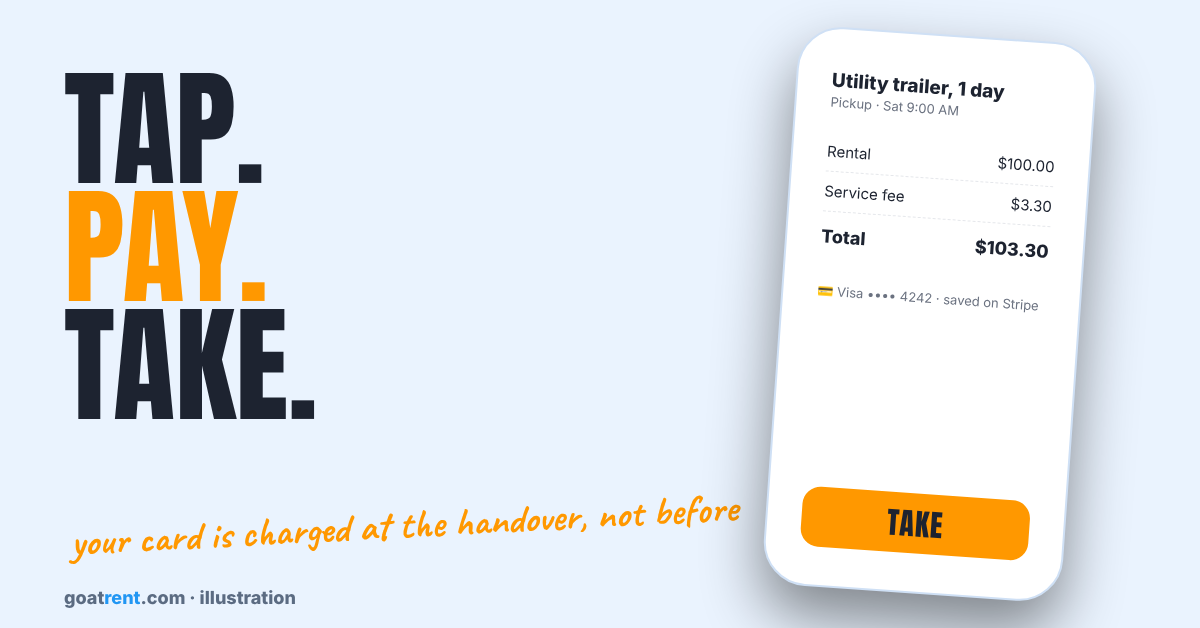
Renting from a neighbor used to end with an awkward question: how do I pay you? Cash in an envelope, a transfer to someone you met ten minutes ago, a deposit you hoped to see again.
On GoatRent, rentals are now paid in the app, by card, and Stripe processes the payment. This guide explains how it works from both sides: what the renter pays and when, what the owner gets and when, and the few things that still stay between the two of you.
The Short Version
- The renter's card is charged only at the handover, when they tap Take after seeing the item. Not when they book.
- The renter pays the owner's price plus one service fee, shown in the total before the request is sent.
- GoatRent keeps 10% of the owner's price. The owner gets the rest about 24 hours after the rental is completed.
- Stripe handles the money: the card, the bank check, the payout to the owner's bank.
- Deposits and sales stay between you, as before.
Where the Money Goes: One Example
Say an owner rents out a trailer for $100.
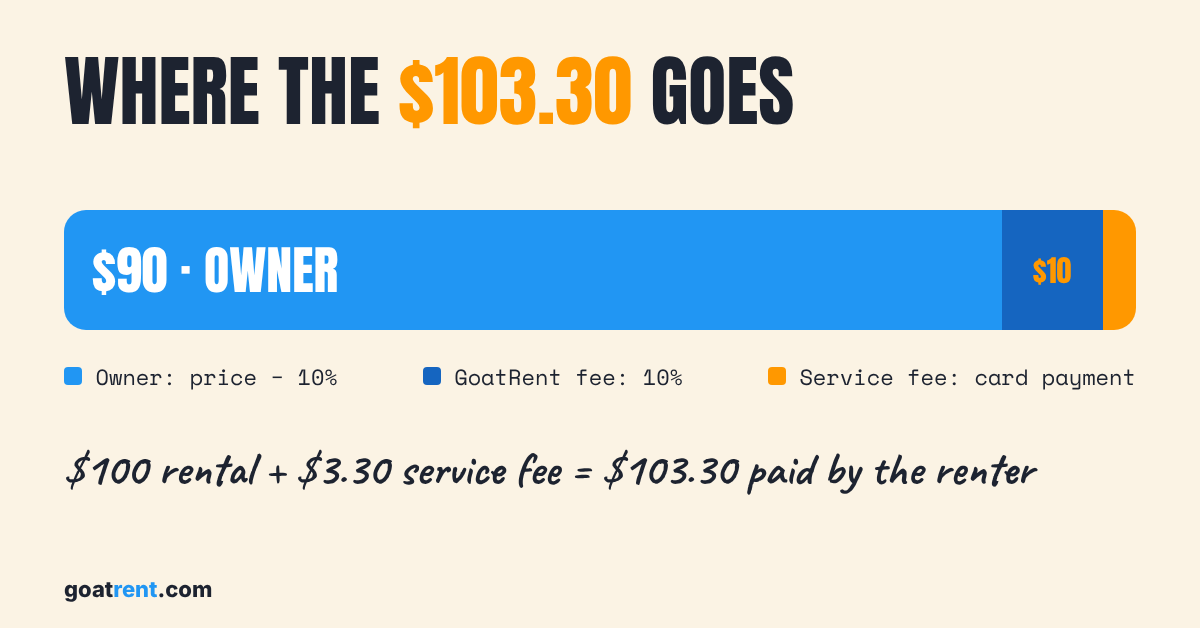
- The renter pays $103.30: the $100 rental plus a $3.30 service fee. The service fee covers the card payment.
- GoatRent keeps $10, its 10% fee.
- The owner gets $90.
The owner's 10% is counted on the whole owner's price, including add-ons and delivery. Every number is on the request before anyone sends or approves it, so there are no surprises at the handover.
For Renters: Pay When You Take the Item
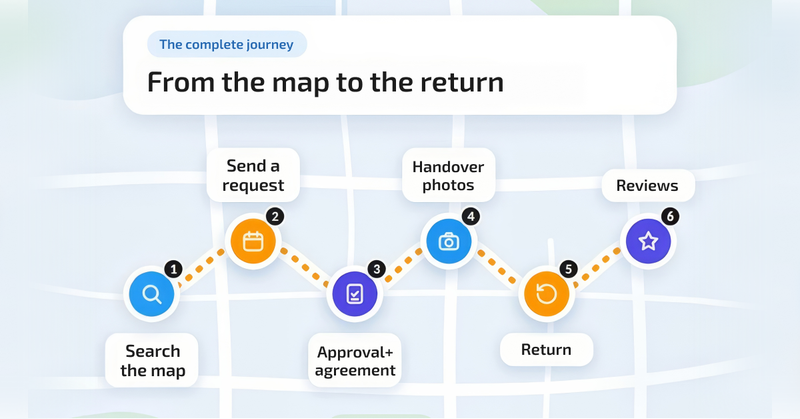
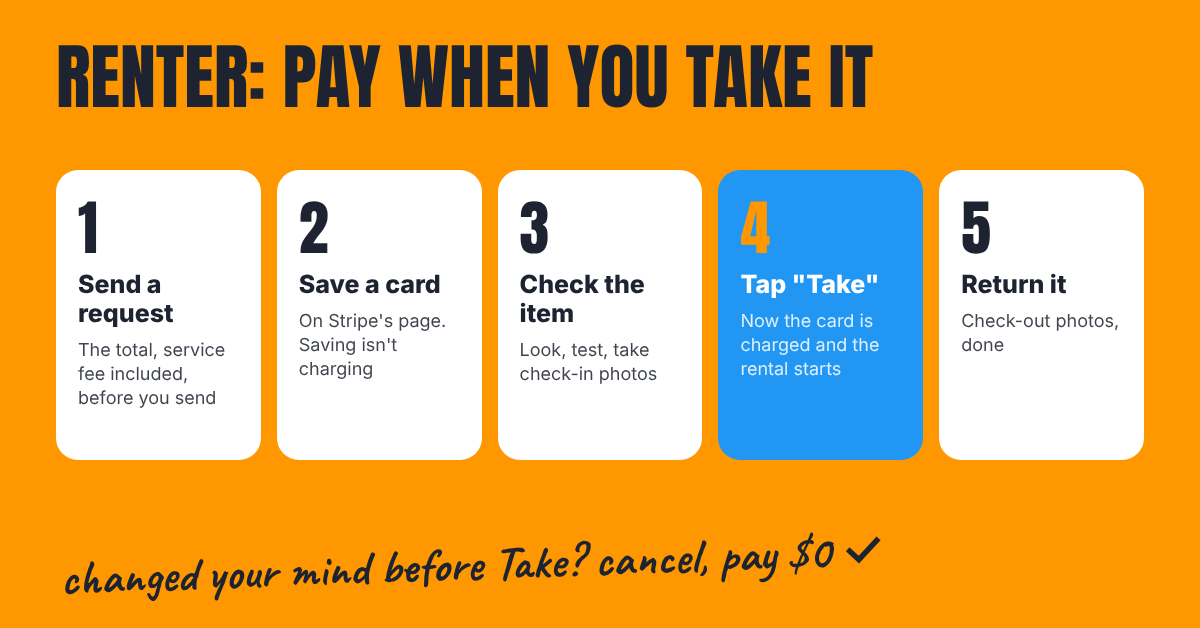
- Send a request. Pick your dates, delivery and add-ons. You see the full total, service fee included, before you send it.
- Save a card. You add it on Stripe's secure page, ahead of time or right at the handover. Saving a card doesn't charge it.
- Meet and check the item. Look it over, test it, take your check-in photos.
- Tap "Take". That's when your card is charged and the rental starts. Your bank may ask you to confirm the payment (3D Secure).
- Return it. Check out with photos, and the rental is complete.
If the item isn't what was promised, don't tap Take: cancel instead, and you pay nothing. Cancelling is free at any point before Take, because nothing has been charged yet.
For Owners: Connect Payouts Once, Get Paid After the Return
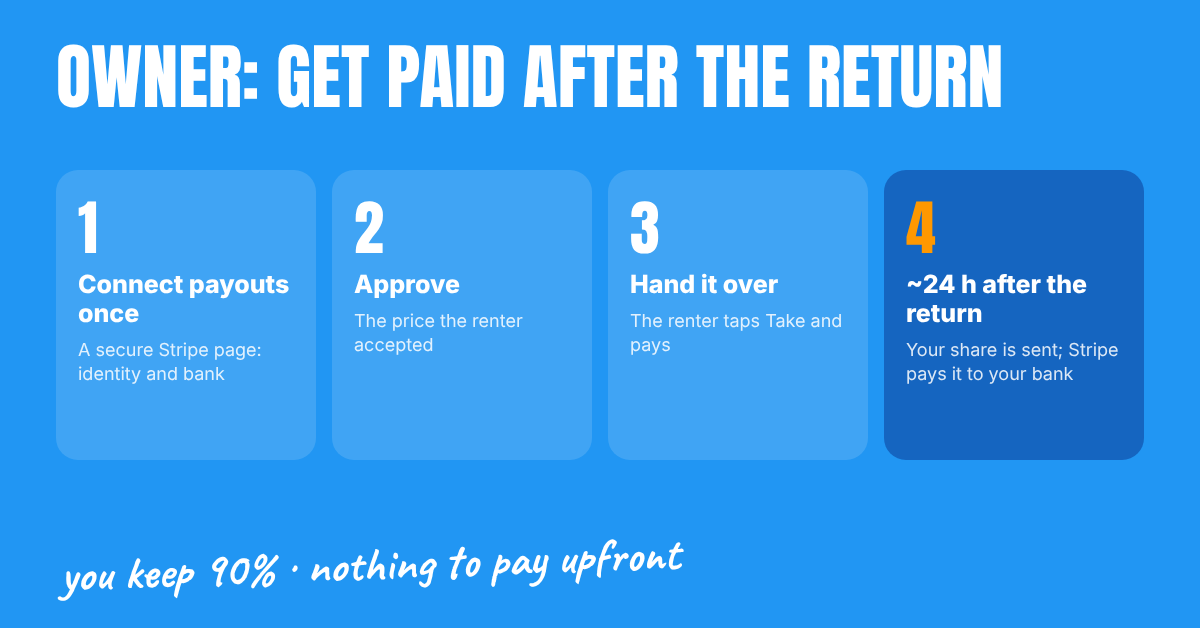
- Connect payouts. Before you approve your first paid rental, you connect payouts once on a secure Stripe page. It asks for your identity and bank details.
- Approve requests. The price the renter accepted is the price on the request.
- Hand over the item. The renter taps Take, their card is charged, and the rental starts.
- Get paid. About 24 hours after the rental is completed, your share (your price minus GoatRent's 10%) is sent to your Stripe payout account, and Stripe pays it out to your bank. A first payout to a new account can take longer.
There's nothing to pay upfront, no subscription, and listing stays free. You can also earn more by inviting other owners: see how to earn with GoatRent.
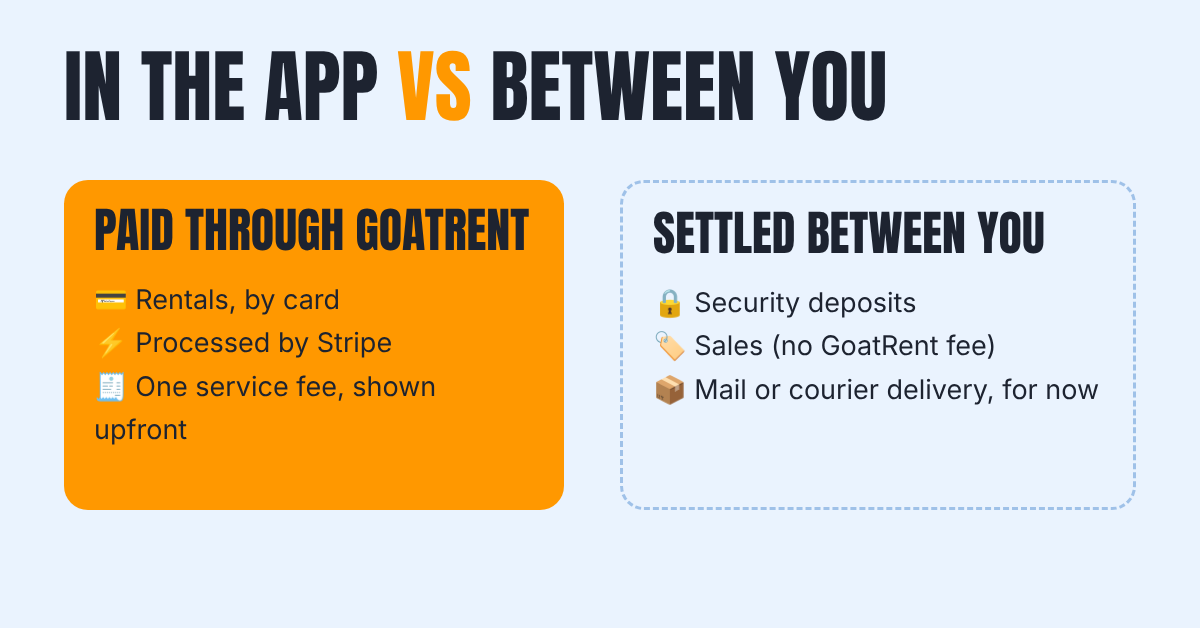
What Isn't Paid Through GoatRent
A few things still stay between the two of you:
- Security deposits. If the owner asks for one, it's written in the agreement as "Security Deposit (Temporary Hold)" and you settle it with them at the handover. GoatRent doesn't collect or hold it.
- Sales. When you buy an item, you pay the seller directly at the meetup. GoatRent takes no fee on sales.
- Delivery by mail or a third-party carrier. These rentals can't be paid through GoatRent yet, because there's no handover meeting where the renter taps Take.
Is My Card Safe?
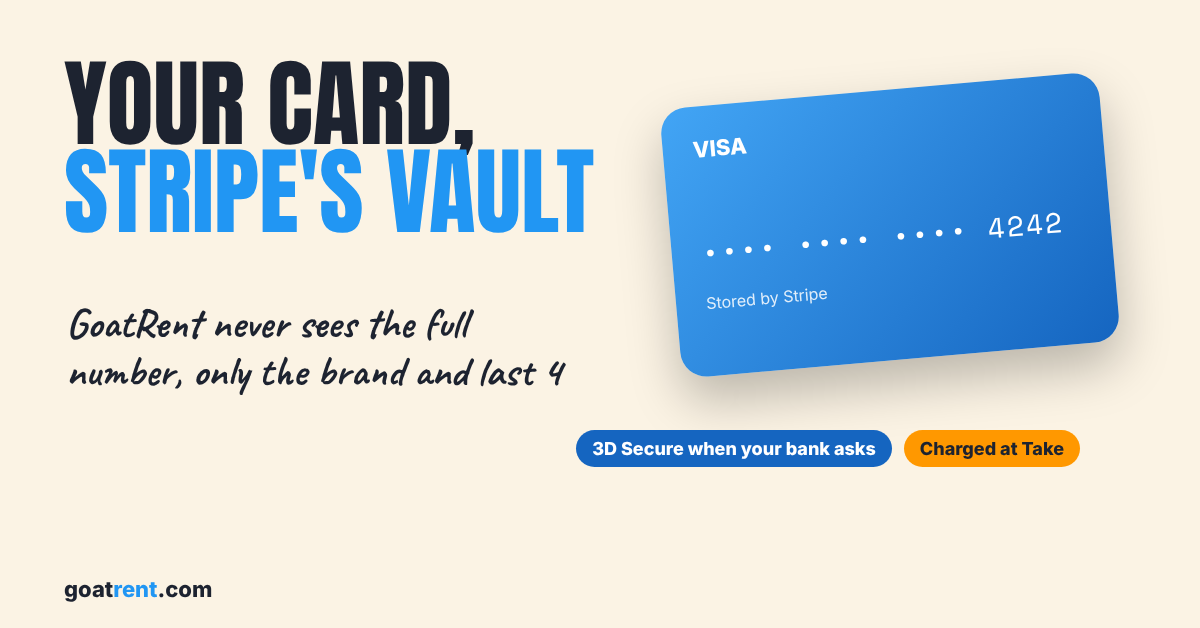
You enter your card on Stripe's page, and Stripe stores it. GoatRent never receives your full card number: we see only details like the card brand and the last four digits, so you can tell your cards apart. Stripe also runs the bank checks, like 3D Secure, when your bank asks for them.
The card payment works together with the rest of the rental record: the PDF agreement, the check-in and check-out photos, and ratings. GoatRent doesn't insure items or decide damage claims; the photos and the agreement are what you and the other person use to settle a question. More on that in how GoatRent keeps renting safe and transparent.
Payments FAQs
When is my card charged?
Only when you tap "Take" at the handover. Sending a request, getting it approved and saving a card don't charge anything.
What is the service fee?
One line in the renter's total that covers the card payment. On a $100 rental it's $3.30. You see it before you send the request.
How much does GoatRent take from owners?
10% of the owner's price, including add-ons and delivery. Listing, browsing and sending requests are free.
When do owners get paid?
About 24 hours after the rental is completed, the share goes to the owner's Stripe payout account, and Stripe pays it out to their bank. A first payout to a new account can take longer.
Can I still pay cash?
Rentals on GoatRent are paid by card through the app. Security deposits and sales are settled directly between you.
Can I cancel after I've paid?
Once you tap Take and the payment goes through, the rental has started and can't be cancelled in the app. If something goes wrong after you've paid, contact GoatRent support.
Final Words
Paying through the app means no awkward money talk at the curb: the price is locked when you book, the card is charged when you take the item, and the owner gets paid after it comes back. Got gear that sits idle? List it for free and let the app handle the rest. List your gear
Sources
- GoatRent, Pricing & Fees
- GoatRent, How it works: paying for a rental
- GoatRent, FAQ: booking and transactions