Rent, Buy, and Sell Local Gear in Minutes.
GoatRent uses a unified "3-in-1" engine, meaning you can rent a kayak, buy a trailer, or hire a local service provider all from the same map-centric platform. Here is how it works for both Seekers and Providers.
For Providers (Owners & Sellers)
Got idle gear? Turn it into cash with zero listing barriers.

Snap a Photo (Let AI Do the Rest)
Upload an image of your item. Our smart AI instantly recognizes the product, drafts a compelling title and description, and fills in the technical specs. Please note: Owners are fully responsible for reviewing and correcting this AI-generated data before publishing to ensure accuracy.
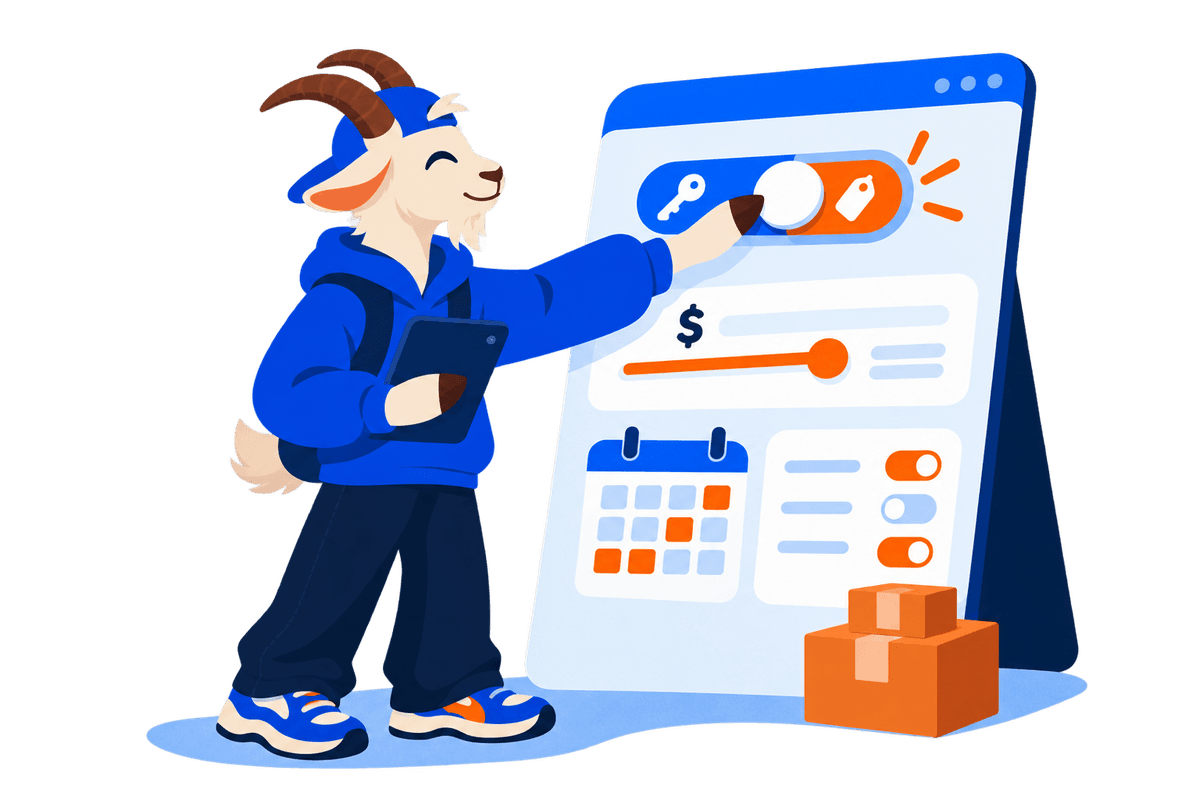
Set Your Terms & Add-ons
Control your calendar and choose between Rent or Sale. Select your supported Delivery Types (Pickup, Meet in a public place, Owner delivery, Delivery by mail, or a 3rd-party provider). The AI automatically suggests relevant Add-ons (like a helmet for a bike), which you can easily edit, add, or price manually.
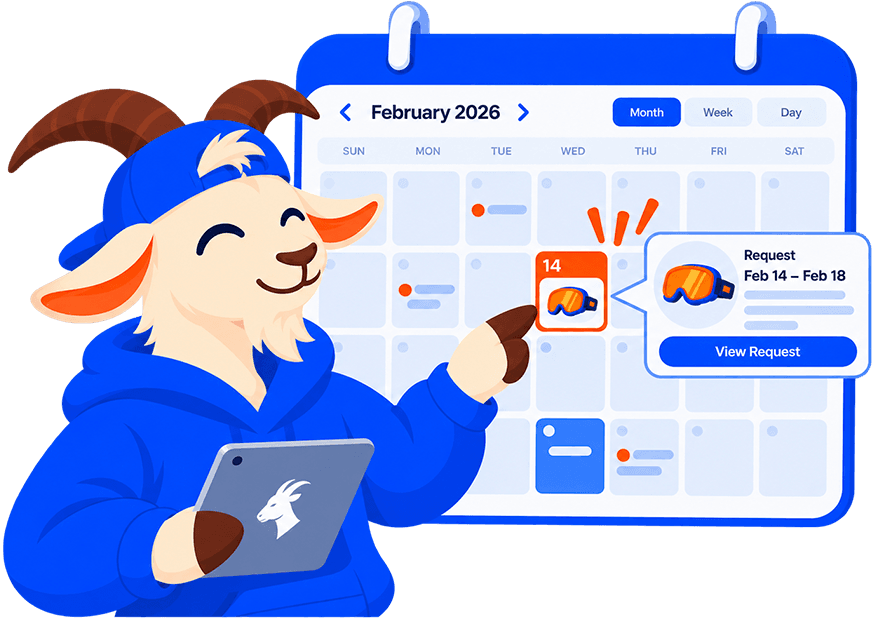
Frictionless Unified Requests
Seekers send a unified request containing their dates, delivery option, selected add-ons, and a locked price quote, plus an address if the item is delivered or mailed. You simply review and approve the request, then share the handover details: your contact, the location, and the hours you are available. For pickups and public meetups, the renter then picks an exact time within those hours. No chat needed. Selling instead? Buyers start with a price offer, and you can accept it or counter before arranging the meetup.

Safe Check-In & Check-Out
At the meetup, the renter confirms check-in and you countersign. Each of you can add timestamped "Before" photos or video and condition notes, and the included add-ons are confirmed. When the item comes back, the same check-out step records its "After" condition. In the future, a QR Handshake will simplify this process, and integrated payment processing will be added.
For Seekers (Renters & Buyers)
Find exactly what you need, exactly where you are.
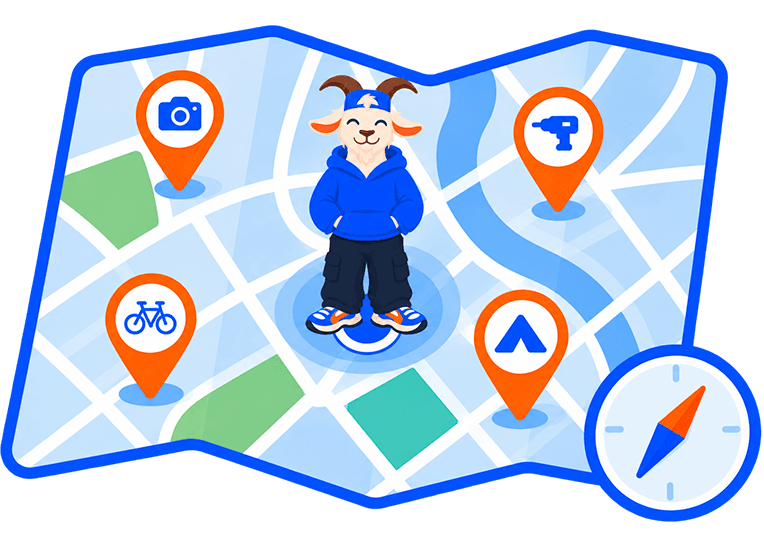
Local Discovery
Forget distance ambiguity. Search near you and switch to the map to see roughly where items are, shown as approximate areas to protect owners' privacy, with the distance from you on every listing.
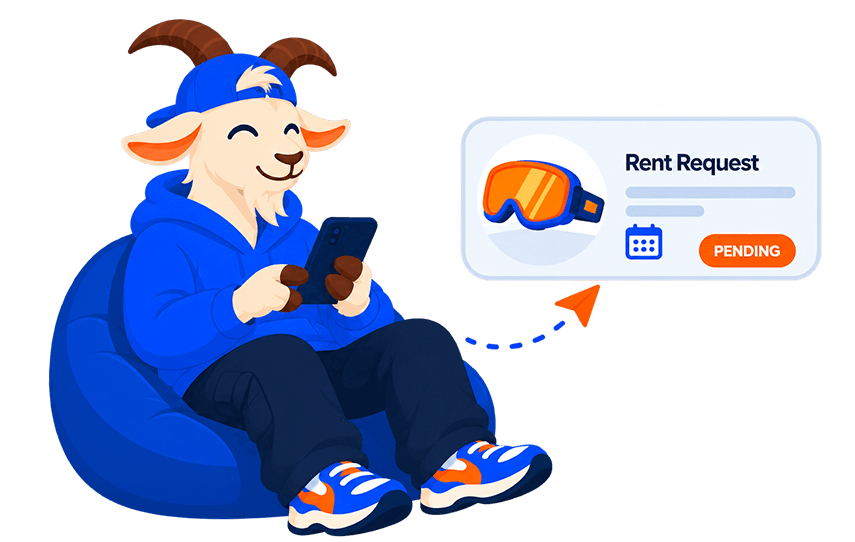
Zero-Chat Frictionless Booking
Whether you want to rent gear, buy an item, or hire a local service, everything flows through our unified Requests system. Send your desired dates, delivery method, and add-ons in a single request with a locked price quote, no chat needed. Buying? You make a price offer first and can negotiate with the owner. Once the owner approves, you pick an exact pickup time within the hours they set.

Safe Check-In & Check-Out
When picking up and returning the gear, use the app to log the item's condition with timestamped photos and notes, and confirm the add-ons at pickup. In the future, a quick QR code scan will instantly open this dialog. This gives both sides a clear shared record if a question comes up later.
The Lifecycle of a GoatRent
Here is exactly what happens from the moment an item is listed to the final return.
1. Smart Listing & Logistics
The Owner creates a listing and our AI detects the exact category (1 out of 20,000+), auto-fills unique technical specifications, and suggests relevant add-ons. The Owner also configures flexible delivery options (pickup, public meet, owner delivery, mail, or a 3rd-party provider). Learn more about Pricing & Fees →
2. Localized Map Discovery
The Seeker explores a map-centric search that instantly highlights popular items nearby. If local inventory is low, the engine uses a geographic cascading fallback to expand the radius, preventing dead ends. Learn more about our Discovery Engine →
3. Price Preview
Once an item is found, the Seeker previews the exact cost using our real-time, stateless pricing engine before making a commitment.
4. The Request (Pending)
The Seeker requests specific dates and selects their preferred delivery option. The request goes to the Owner in a "Pending" state with the quoted price locked in. The dates are held for you once the Owner approves; if two requests overlap, approving one blocks the other.
5. Approval & Agreement
The Owner reviews the request and clicks "Approve", then shares the handover details: contact, location, and the hours they are available. For pickups and public meetups, the Seeker picks an exact time within those hours. Our robust system seamlessly handles these steps whether you are buying, renting, or seeking services. Review our Terms of Use →
6. Check-In (In Progress)
On the start date, the pickup window opens. Both parties meet, exchange the item, and can take "Before" photos for their records. When the renter confirms check-in, the rental moves to "In Progress". If nobody confirms, the system moves it forward at midnight, listing local time.
7. Check-Out (Completed)
On the end date, return check-out opens. The item is returned and "After" photos can be added. When the renter submits the return, the rental is marked "Completed". If nobody files it, the system completes the rental at the next midnight, listing local time.
8. Community Review
Finally, leave a review about your experience to build trust around the system and the owner. This ensures high-quality experiences for future users. Read about our Trust & Safety Engine →
Good to Know
A few rules that apply to every request.
- Requests expire
- A Pending request that nobody answers is cancelled automatically after its last requested day. Sale offers are cancelled after 14 days without activity.
- Cancelling
- Either side can cancel before the handover: while a request is Pending or Approved, and at check-in until the renter has signed. Once a rental is In Progress it can no longer be cancelled. Owners can also decline a Pending request.
- Rental agreement
- Each request page includes a downloadable PDF agreement. Together with your check-in and check-out photos and notes, it gives both sides a clear record.
Safety Guaranteed
Every transaction is backed by our robust Trust & Safety ecosystem. Look for users with the "Verified" badge, which means they have completed Stripe Identity verification. After your secure QR-code transaction, leave a review to contribute to our community's dynamic karma and reputation system.
Explore Help & Resources
Find detailed guides, pricing information, safety standards, contact support, and company background.
Contact Support
Get direct help from our team via email or view live support hours.
Frequently Asked Questions
Instant answers to common questions about rentals, buying & safety.
Pricing & Fees
Transparent fee details, payout timelines & deposit terms.
Safety & Verification
Stripe Identity verification and condition photo log protection.
About GoatRent
Learn about our mission to help local communities share equipment.
Search & Discovery Engine
Learn how our map-centric search engine dynamically adapts to your surroundings.