From First Listing to First Booking: Owner's Checklist
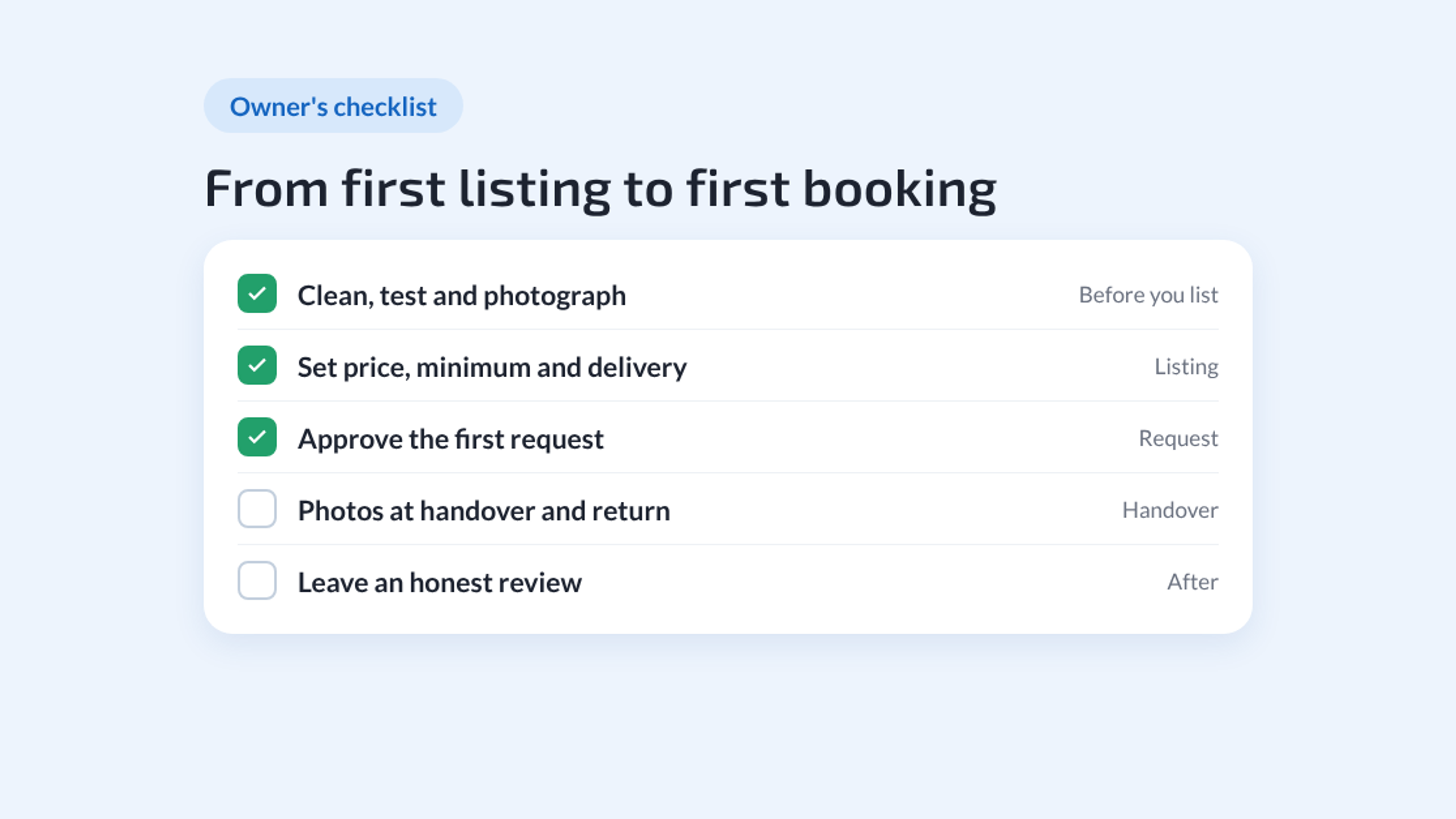
The first rental is the one that takes the most thought. After it, you know the routine and the next ones run on autopilot. This checklist covers everything between "I should rent this out" and your first five-star review, in the order you'll need it.
If you're still deciding whether to list at all, start with why list your gear on GoatRent. If you're ready, grab the item and your phone.
Before You List
☐ Pick the right first item. Choose something people already ask to borrow, that's easy to hand over and that you won't need back in a hurry. Pressure washers, tile saws, utility trailers and camping kits are classic first listings.
☐ Clean it and test it. Run it, charge it, check the cord and the blades. A renter's first impression is the state of the item at pickup.
☐ Gather the extras. Hoses, nozzles, chargers, manuals. Decide which ones come free and which you'll offer as paid add-ons.
☐ Check the going rate. Look at similar listings near you. Local demand sets the price, not national averages.
Creating the Listing
☐ Take good photos. Daylight, a few angles, accessories in frame, wear shown honestly. You can add up to ten photos. They matter more than anything you write.
☐ Let the AI draft it. With AI autofill on (it is by default), GoatRent suggests a category from your photos, then drafts the title, description and specs. Everything it fills in is marked so you can see it. Read it, fix anything that's off, and make it sound like you.
☐ Set one price and one unit. Per hour, day, week or month, whatever matches how the item really rents. Starting a little below the going rate helps you collect the first reviews faster.
☐ Set a minimum rental if you need one. A trailer that takes half an hour to hitch can have a two-day minimum. Shorter requests are refused automatically.
☐ Choose how it changes hands. Pickup, a public meeting place, your own delivery, mail or a courier. Offer only what you're happy to do.
☐ Add your add-ons. As a flat fee, per day, or free. Small extras raise the value of every booking.
☐ Decide on a deposit. Optional. If you set one, renters see it in their total and the agreement lists it as "Security Deposit (Temporary Hold)". You settle it with the renter yourself at the handover; GoatRent doesn't collect money.
☐ Set your availability. Always available, or a date range. Only requests you approve hold your dates.
☐ Publish, and read the tips. Before it goes live, AI moderation checks the whole listing: title, description, specs, price, every photo and the video. Serious problems, like contact details in a photo or a price that makes no sense, hold it back until you fix them. Smaller ones come back as tips. Take them: they're usually the quickest way to a better listing.
☐ Turn on the Free Boost. A new listing with no other promotion can get 14 days of free promotion. Use it while the listing is fresh.
When the First Request Arrives
☐ Read the whole request. Dates, delivery method, add-ons, the renter's comment and the price they've already accepted.
☐ Look at the renter's profile. A Verified badge means they confirmed their ID through Stripe. Check their rating and reviews too. Verification is optional, so a new renter without one isn't a red flag on its own.
☐ Approve quickly, or decline politely. Fast answers get booked. If the dates don't work, declining frees the renter to look elsewhere.
☐ Fill in the handover details. On approval, add the contact name and phone, the address if there is one, a time window and any notes ("side gate, trailer is on the left"). The renter picks an exact time inside your window.
☐ Download the agreement. GoatRent creates a PDF Rental Agreement for Equipment for the request. Skim it so you know exactly what was agreed.
The Handover
☐ Meet, show and test. Walk the renter through the item, run it once, point out anything quirky.
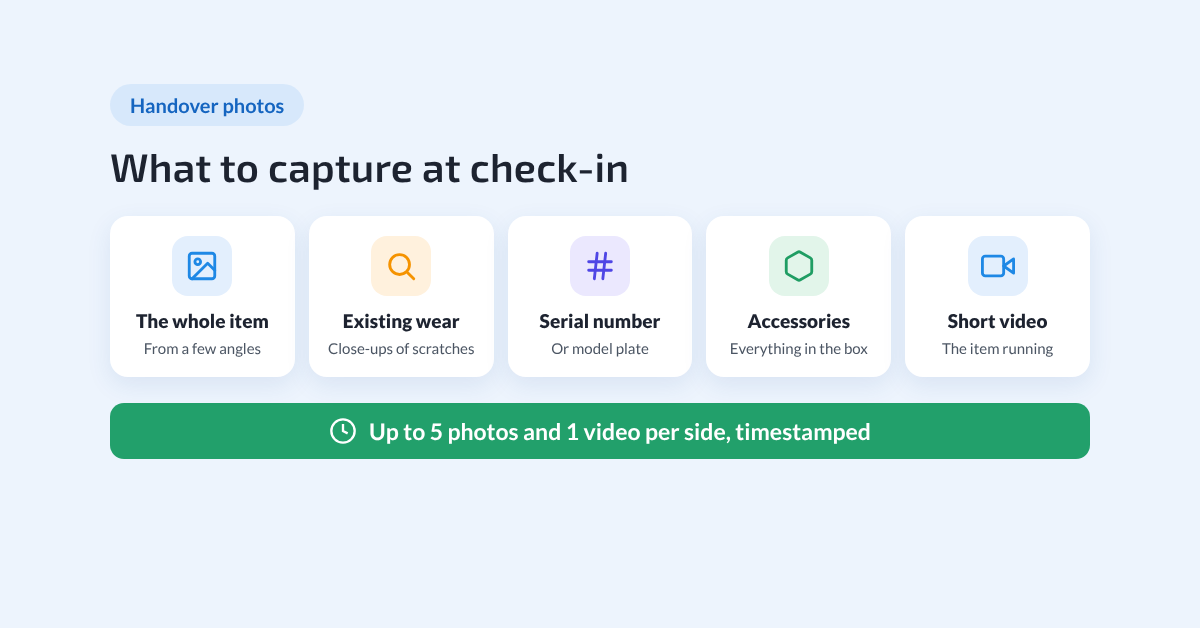
☐ Photograph it together. At check-in, each of you can add a note, up to five photos and one video. Shoot the whole item, close-ups of any existing scratches, the serial number and the accessories. It takes a few minutes and it's the record both of you will rely on later.
☐ Settle payment and any deposit. Payment goes directly between you and the renter, as the agreement lays out.
☐ Remind them of the return. Time, place, and what "clean" means for this item.
The Return
☐ Check it over together. Same routine in reverse: look, test, photograph, add notes at check-out.
☐ Return the deposit as agreed. If something is wrong, the check-in and check-out photos are your shared record of the condition before and after. GoatRent doesn't run damage claims, so settle it with the renter using that record. Our guide on how GoatRent keeps renting safe and transparent explains what the record covers.
☐ Leave an honest review. Specific beats generic: "returned on time, cleaned the hose" helps the next owner decide.
After the First Booking
☐ Adjust the price. Booked instantly? You may be under the market. No interest after a couple of weeks? Look at your photos and price again.
☐ List the next item. The second listing takes a fraction of the time, and two listings get found more than one.
☐ Keep the routine. Clean, test, photograph, every time. Consistency is what turns first renters into repeat ones.
For the renter's side of the same process, see the complete rental journey on GoatRent.
Final Words
The checklist looks long, but most of it happens once. List your first item today: one photo, one price, and you're on your way to the first booking. List your gear